

What Glendi takes off your plate.
The tour, starting with its built-in AI. Every screenshot and recording is the real app.
Built-in AI
Let Glendi do the retyping.
Much of a planner's week goes to copying details from one place to another. Glendi does that part, and you review every change before it's saved.
A venue's website, filled in for you.
Paste the link. Glendi reads their pages for the address, capacity, curfew, contacts and photos, and shows where it found each one for you to review.
- Their pricing guides saved to Documents
- Works for vendors, venues and hotels
It also reads invoices and contracts into the budget, a couple's wedding website, a guest spreadsheet and a venue's floor plan.
Dashboards
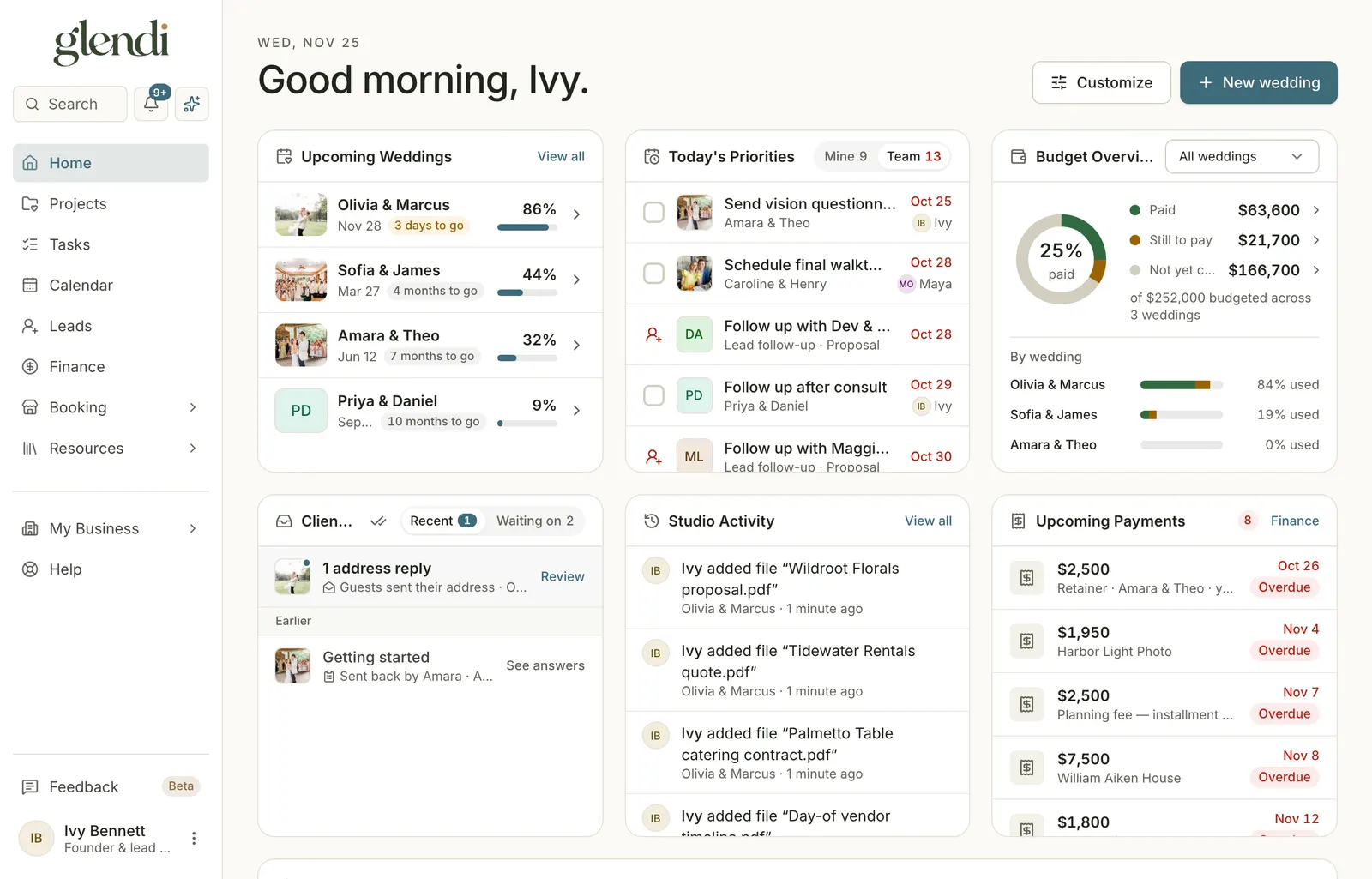
Open it Monday and see what needs you.
Overdue follow-ups, unsigned proposals and payments due, across every wedding. Each planner arranges their own Home, and every number opens the rows behind it.
Lead capture and proposals
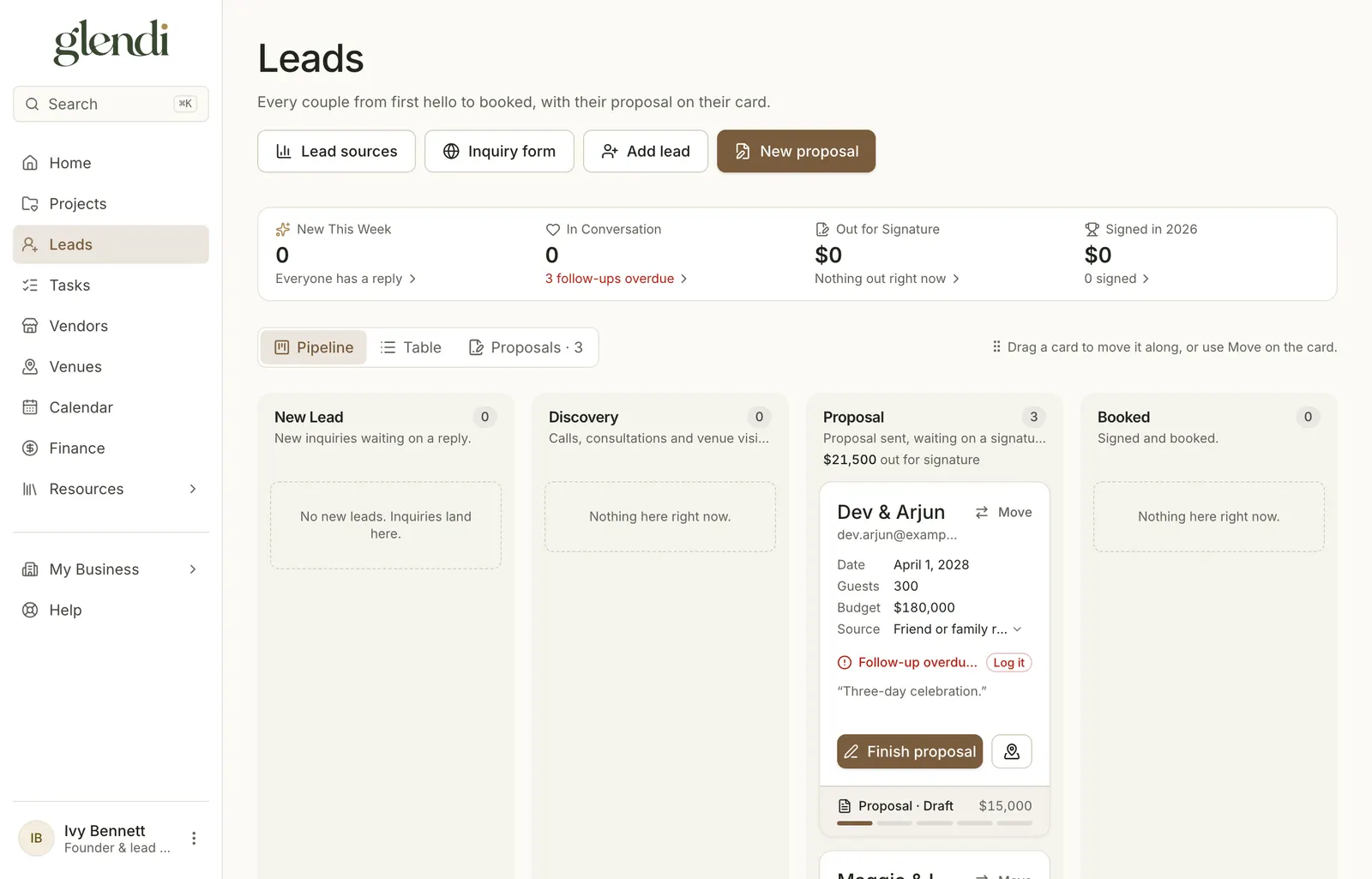
From “we're engaged!” to a signed contract.
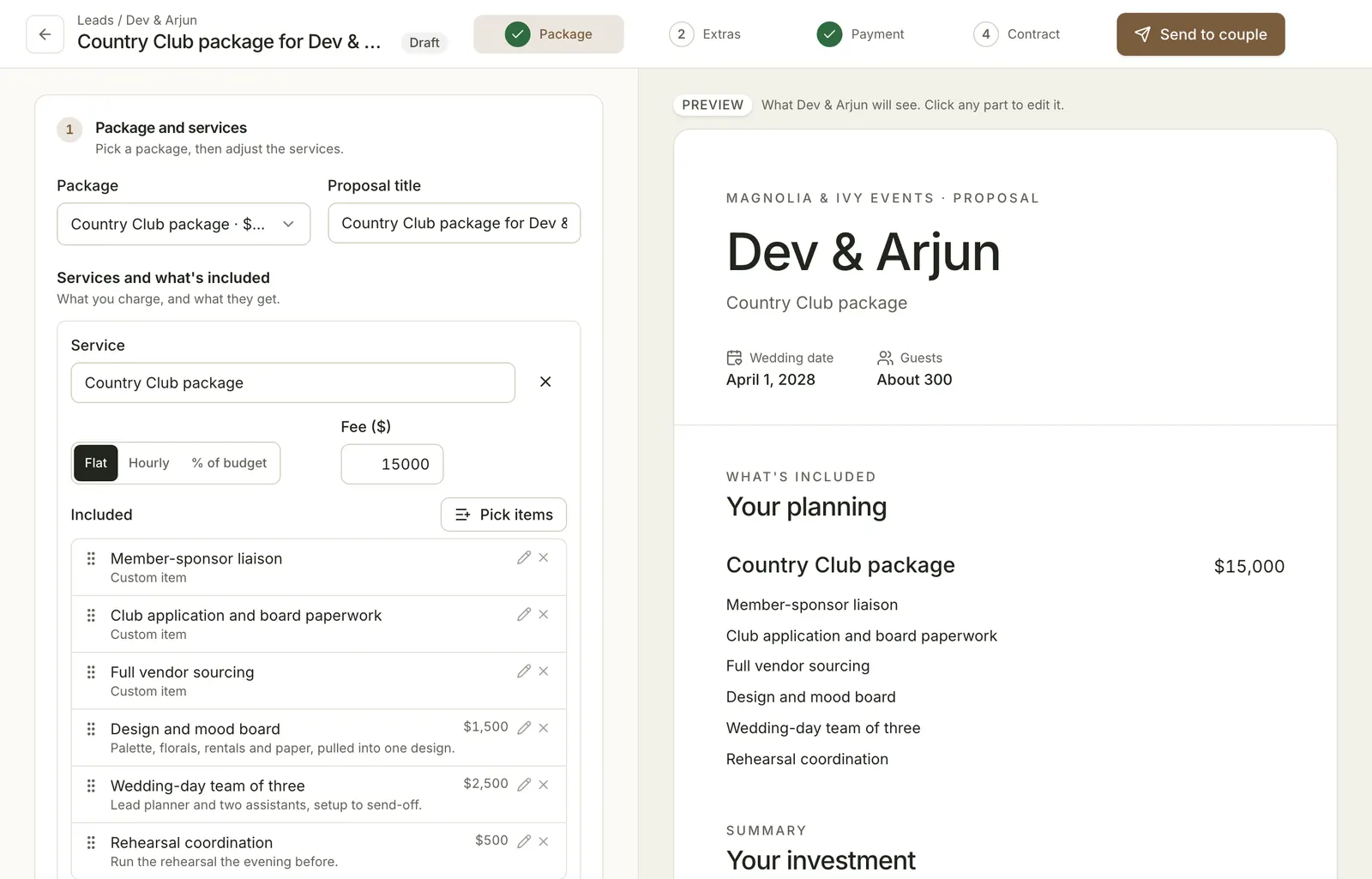
Every inquiry moves across one board: new lead, discovery, proposal, booked. Write the proposal on one page with the couple's copy beside it, so you see what they'll see.
- Website inquiries land on the board
- Built-in e-signature, no per-contract fees
Shared timelines
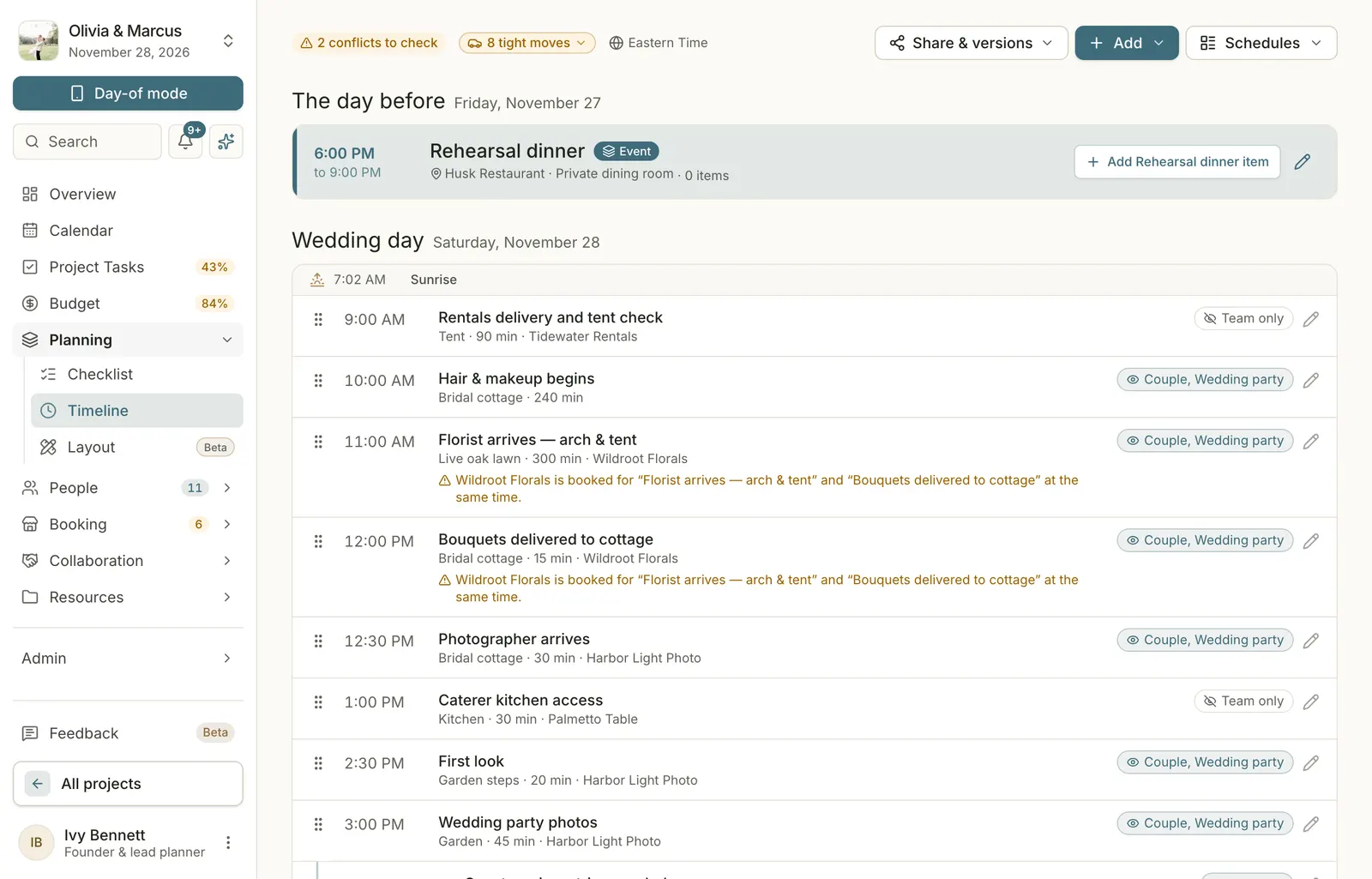
Move one thing and the rest follows.
You run the whole day. Every change is previewed before it lands, and clashes like one florist in two places are flagged.
- Each party sees only their part of the day
- Works offline on the wedding day
Guest and RSVP management
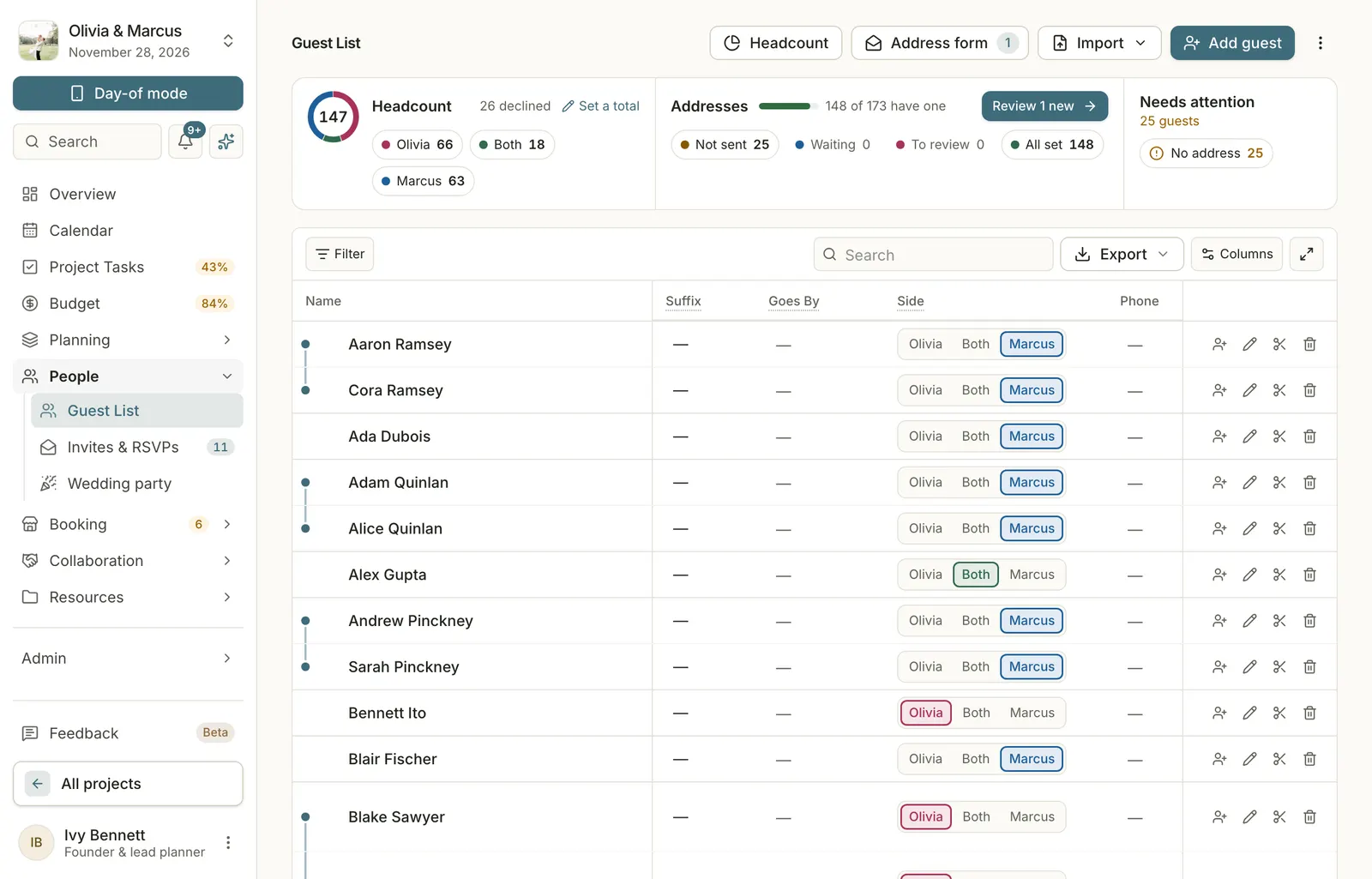
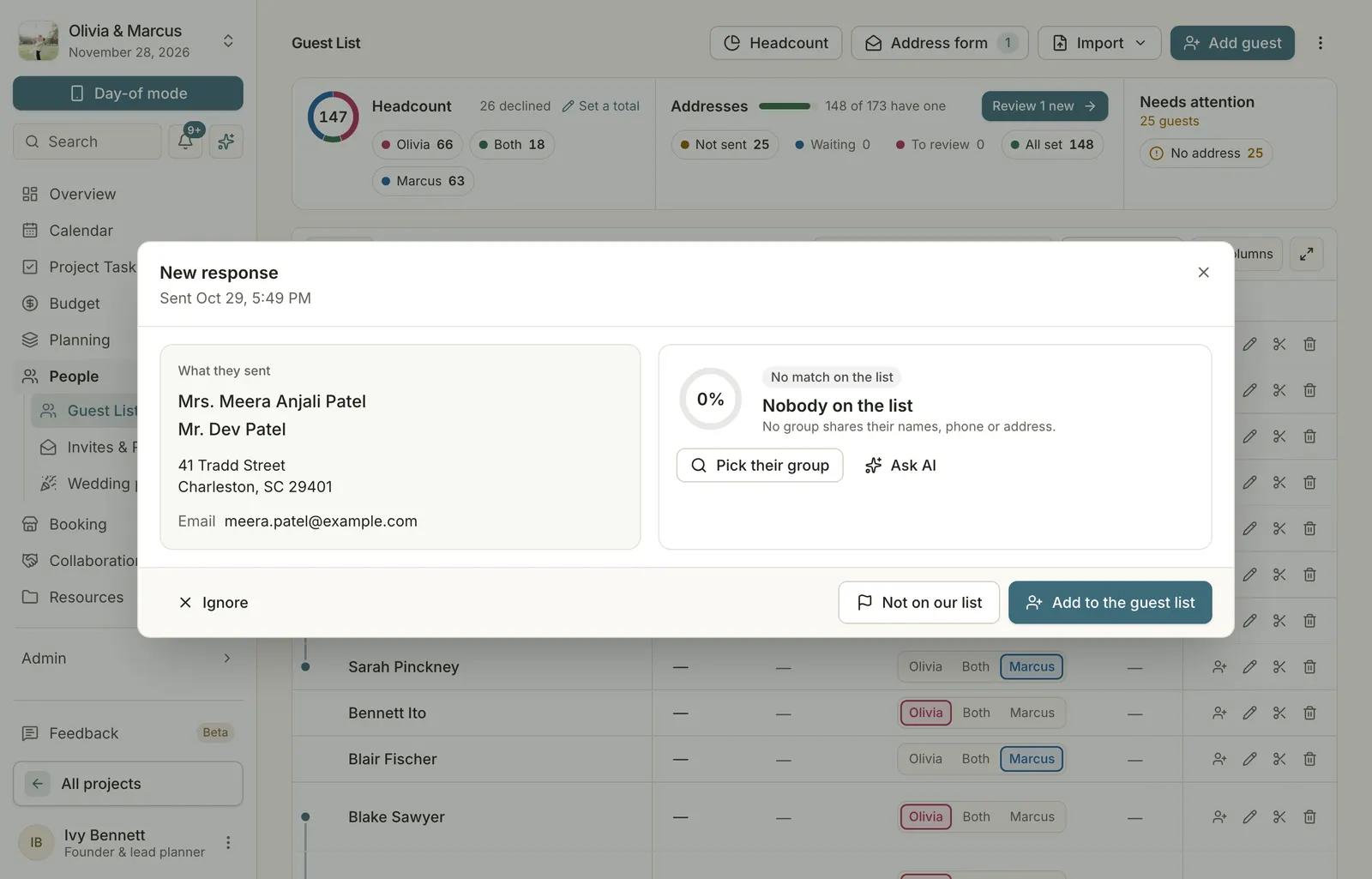
One link collects every address.
Send it however you like, and each reply is matched to the right household for your OK. RSVPs work the same way. Both come with Studio and Agency.
- Reads the couple's spreadsheet as it is
- Envelope files ready for your stationer
Budgets and payments
Money talk without the awkward spreadsheet.
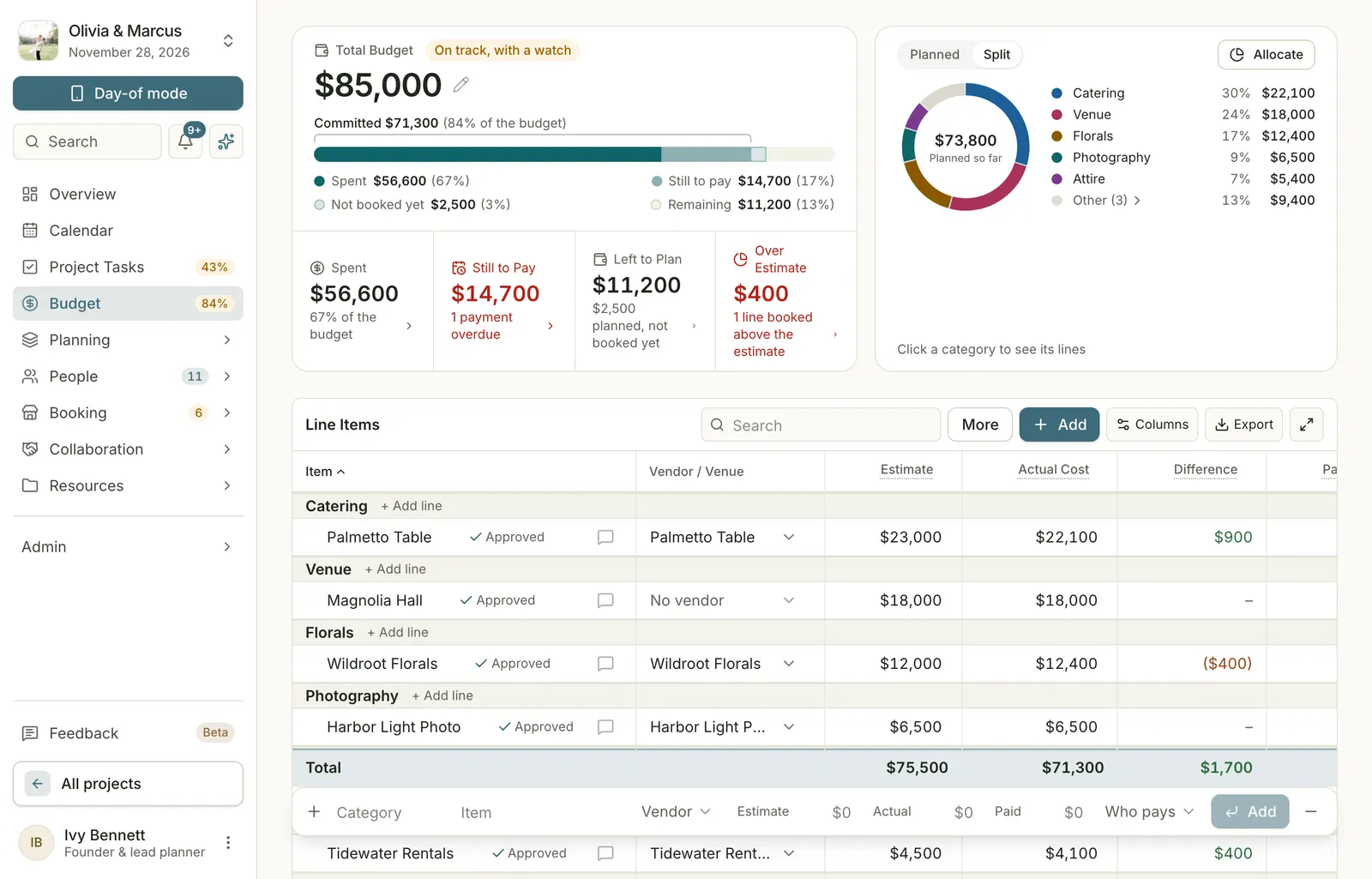
You and your couple read the same page in the same words: allocated, estimate, actual, paid, due. Drop in an invoice and its total, deposit and dates are read for you to approve.
- Parents see only the lines they pay for
- QuickBooks sync on Studio and Agency
Vendor and venue management
Years of vendor relationships, in one place.
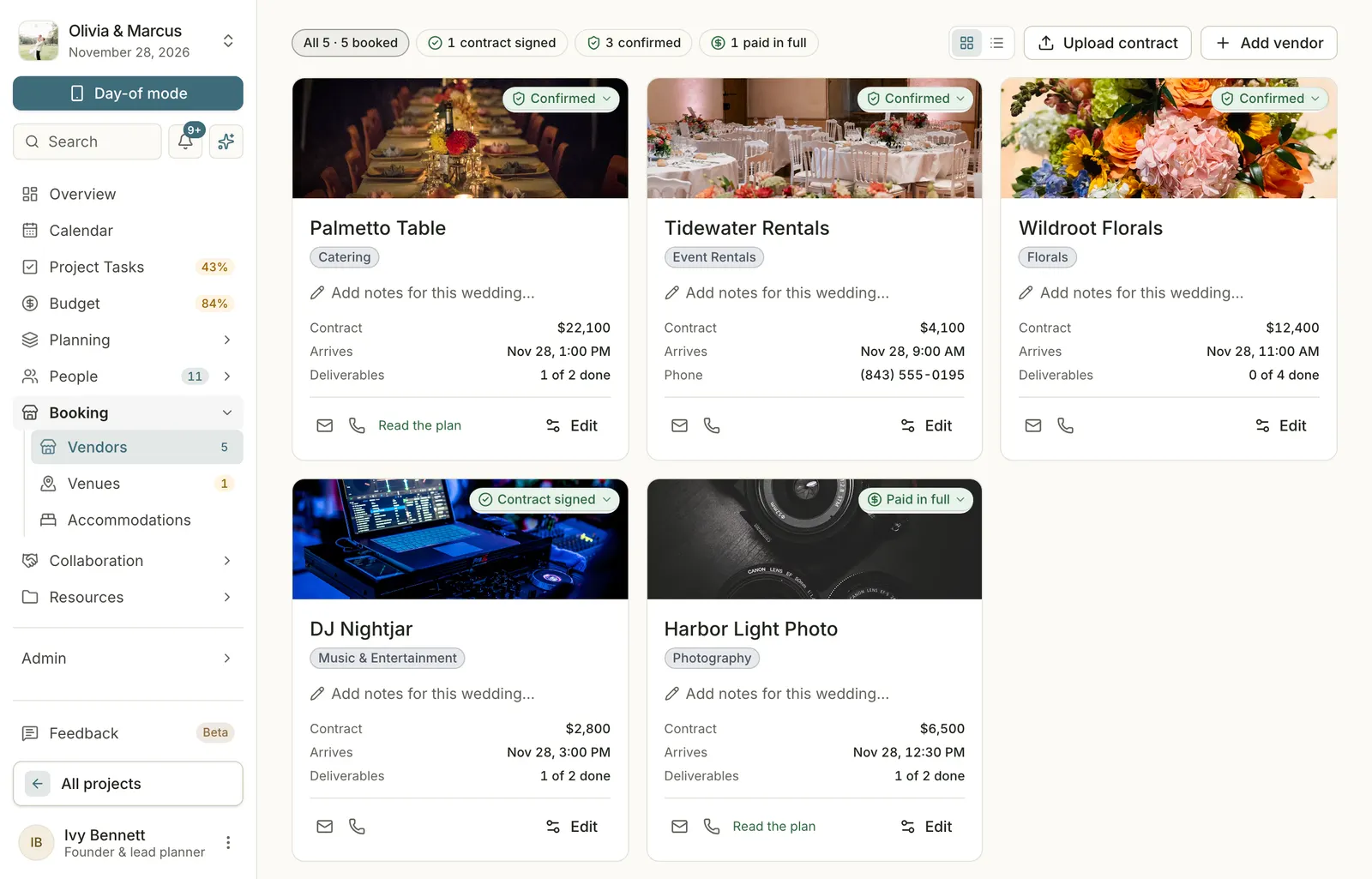
Every booking's contract, arrival, deliverables and notes live on the vendor. Compare dates sets a couple's possible dates against every venue and vendor they want.
- Load-in notes per vendor, per venue
Floor plans in 2D and 3D
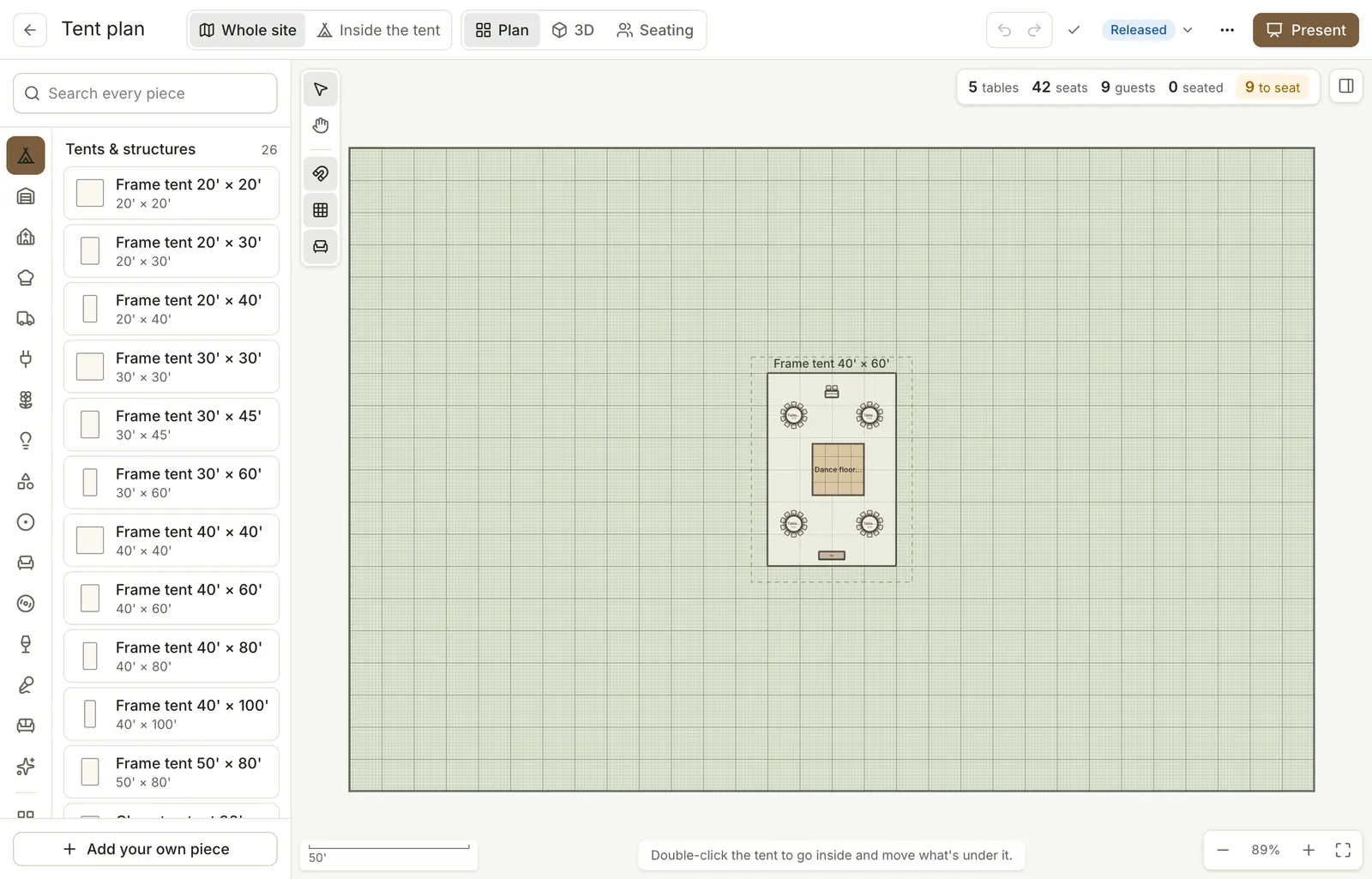
See the tent before you rent it.
Draw the site to scale, place the tables and seat the guests, then walk it in 3D with the sun where it will be at 7:38 pm. Layouts come with Studio and Agency.
- Start from the venue's floor plan
- Place your rental company's real pieces
Documents and notes
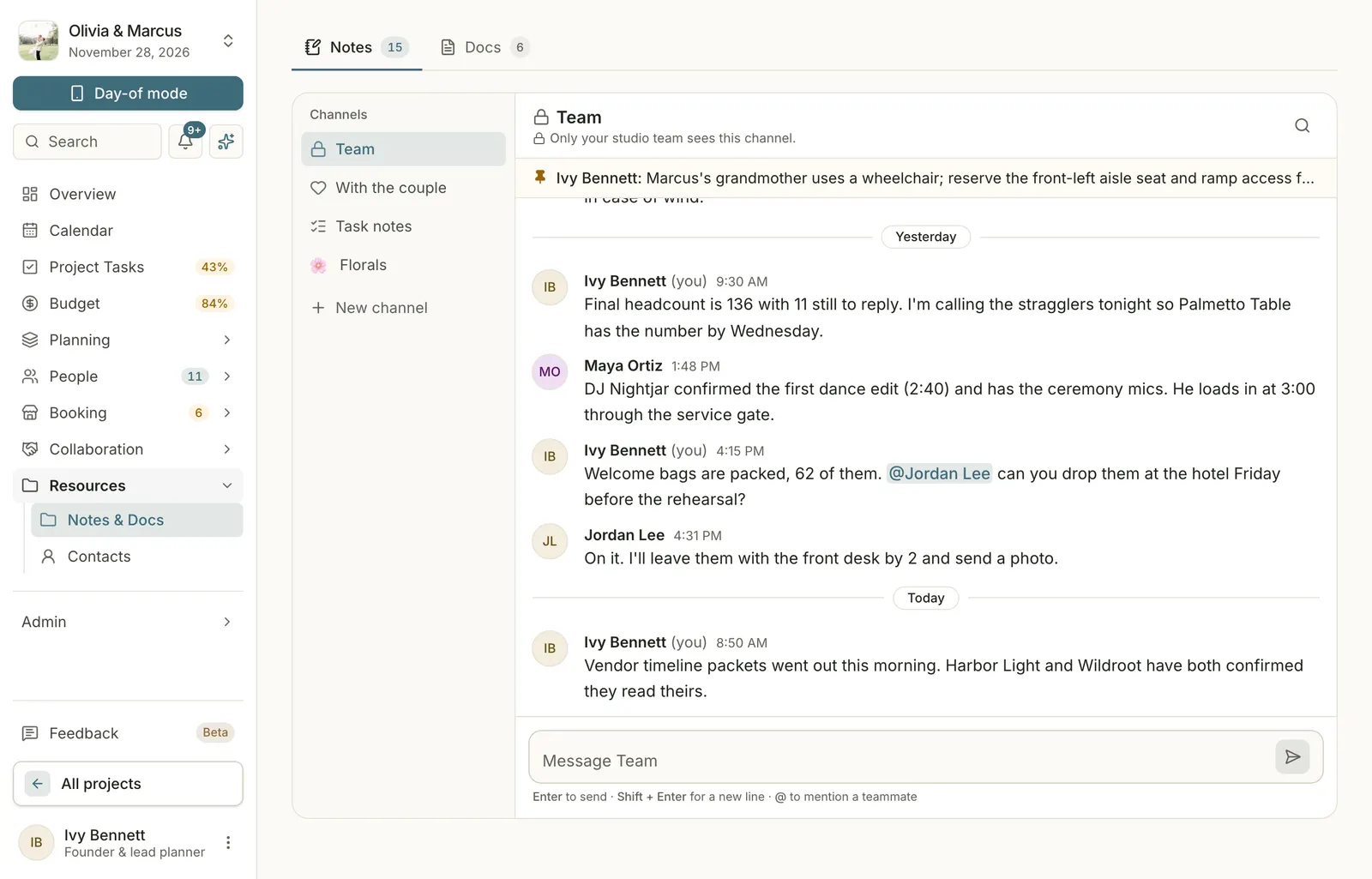
Every contract and note, filed with its wedding.
Contracts, quotes and invoices are filed by wedding and linked to their booking or budget line. Notes run as channels: one for the team, one the couple sees.
- Forward a vendor's email to file it
Client portal
A view made for each of them.
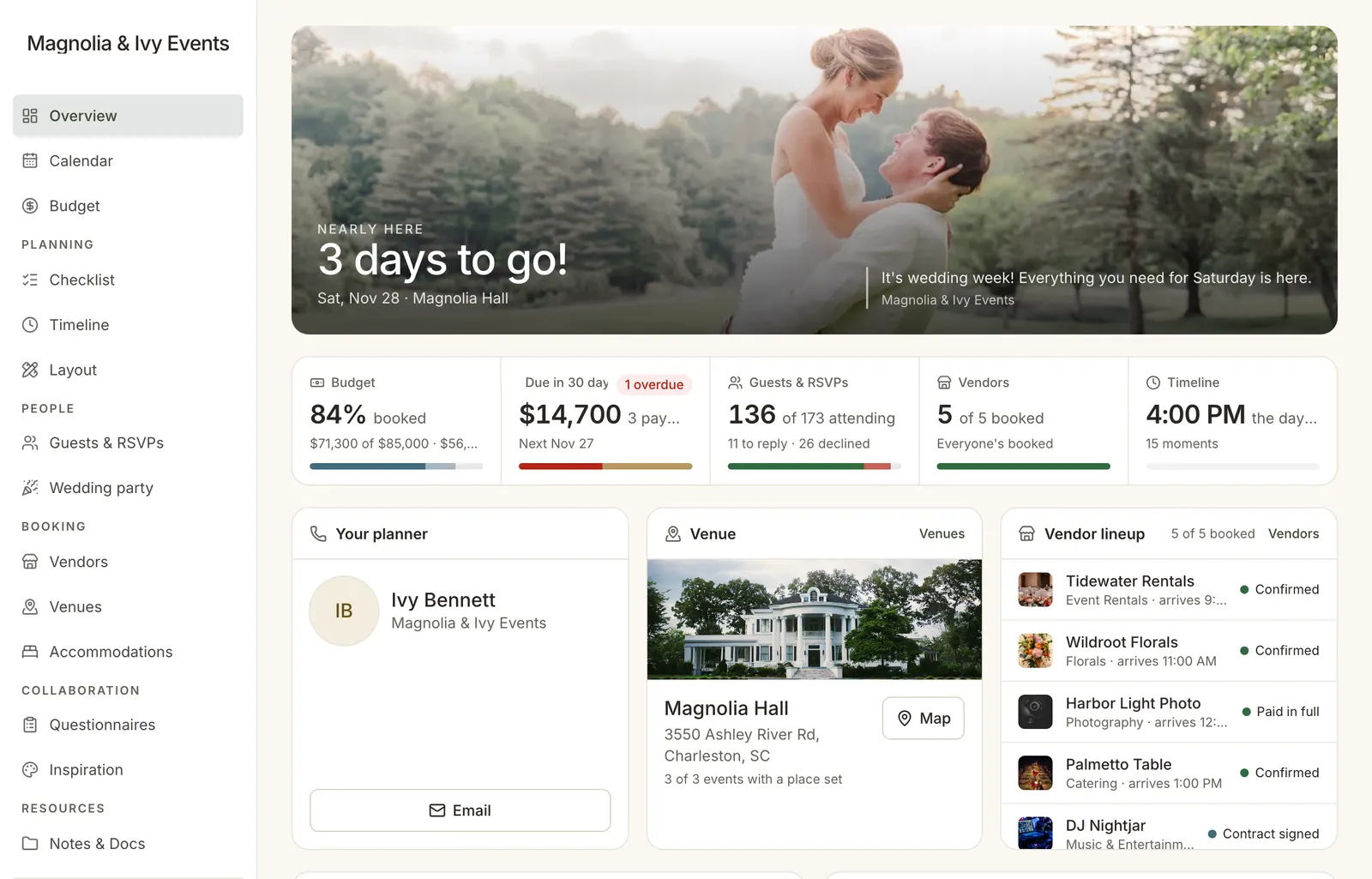
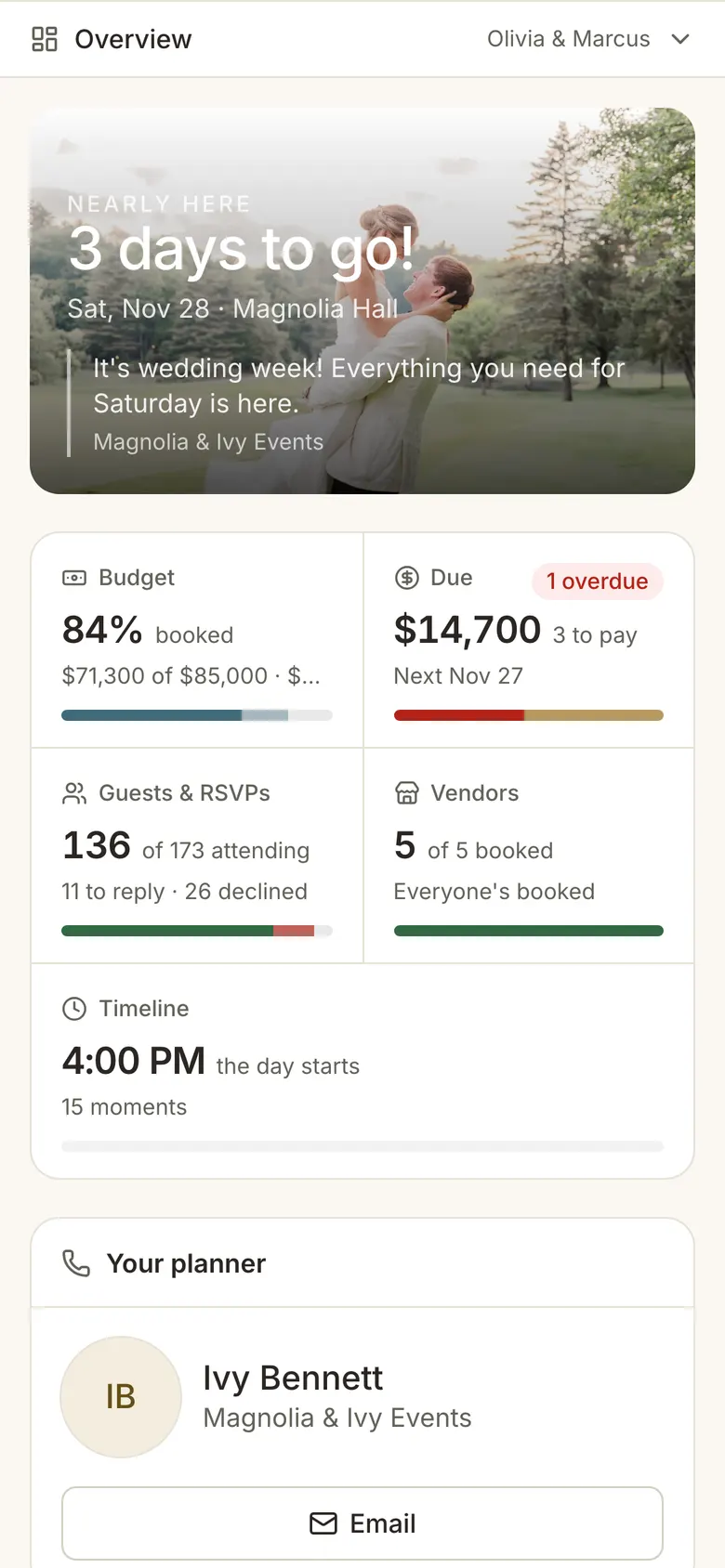
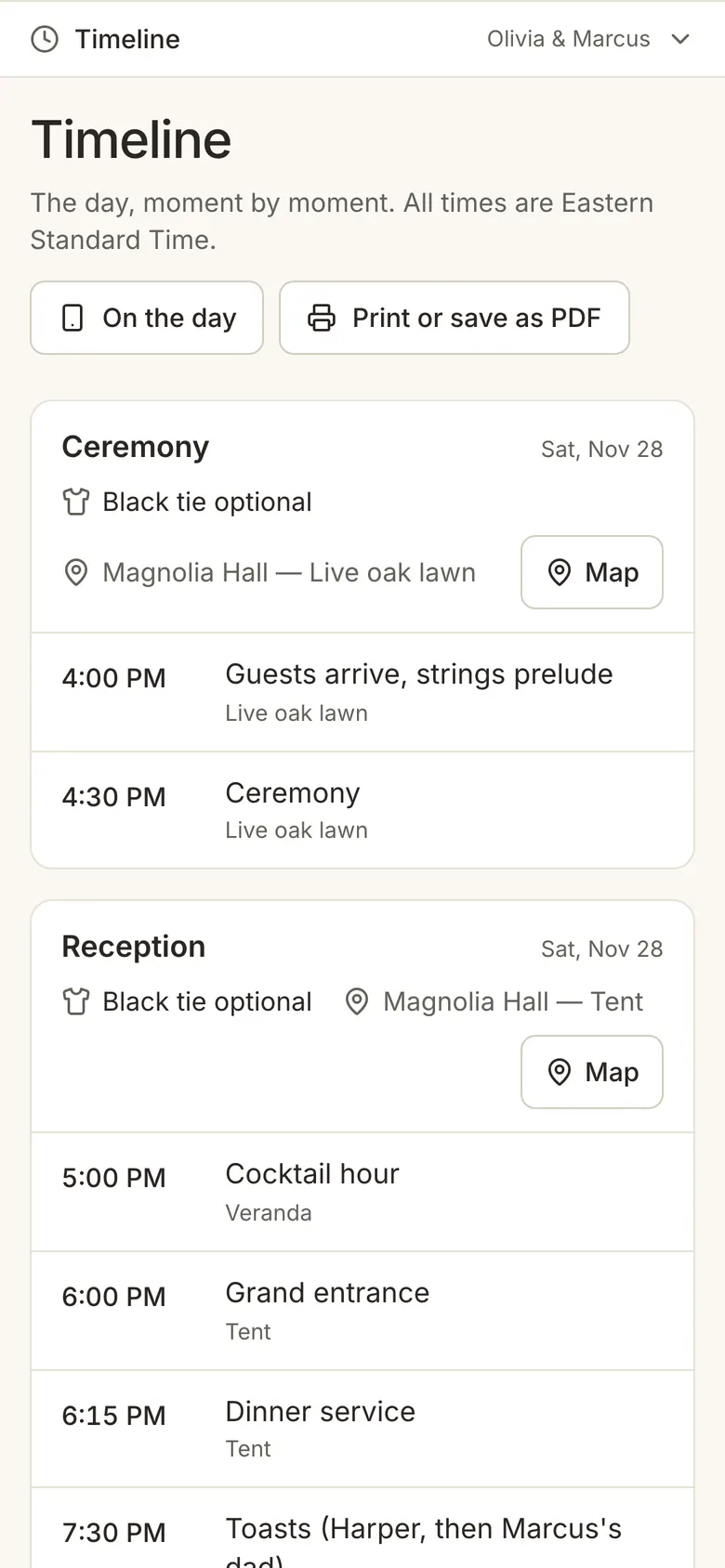
Couple, family and wedding party each see the pages you choose, and whoever covers part of the budget sees just those lines. It comes with Studio and Agency.
- No app or password, just an emailed link
- In your name, with your logo
Day-of mode
Ready for a barn with no signal.
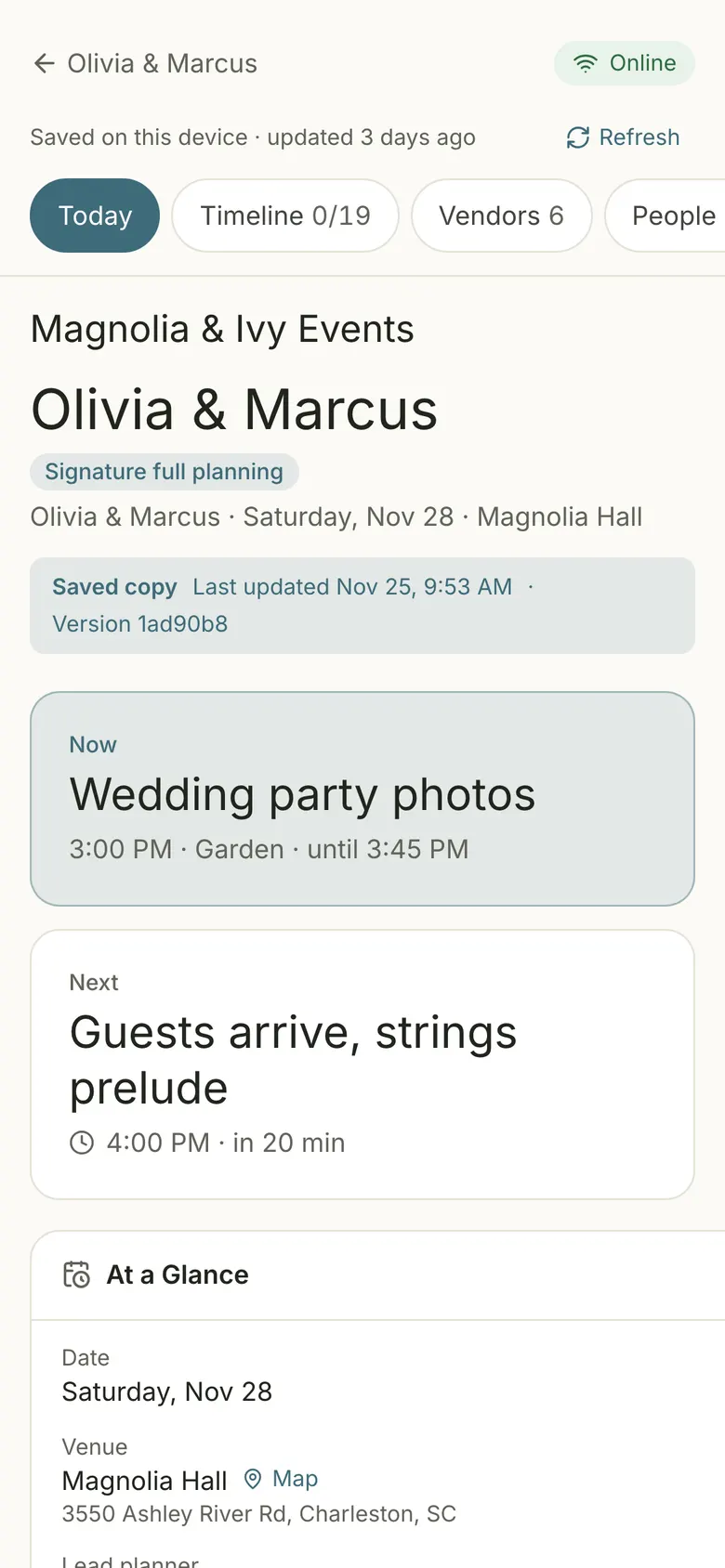
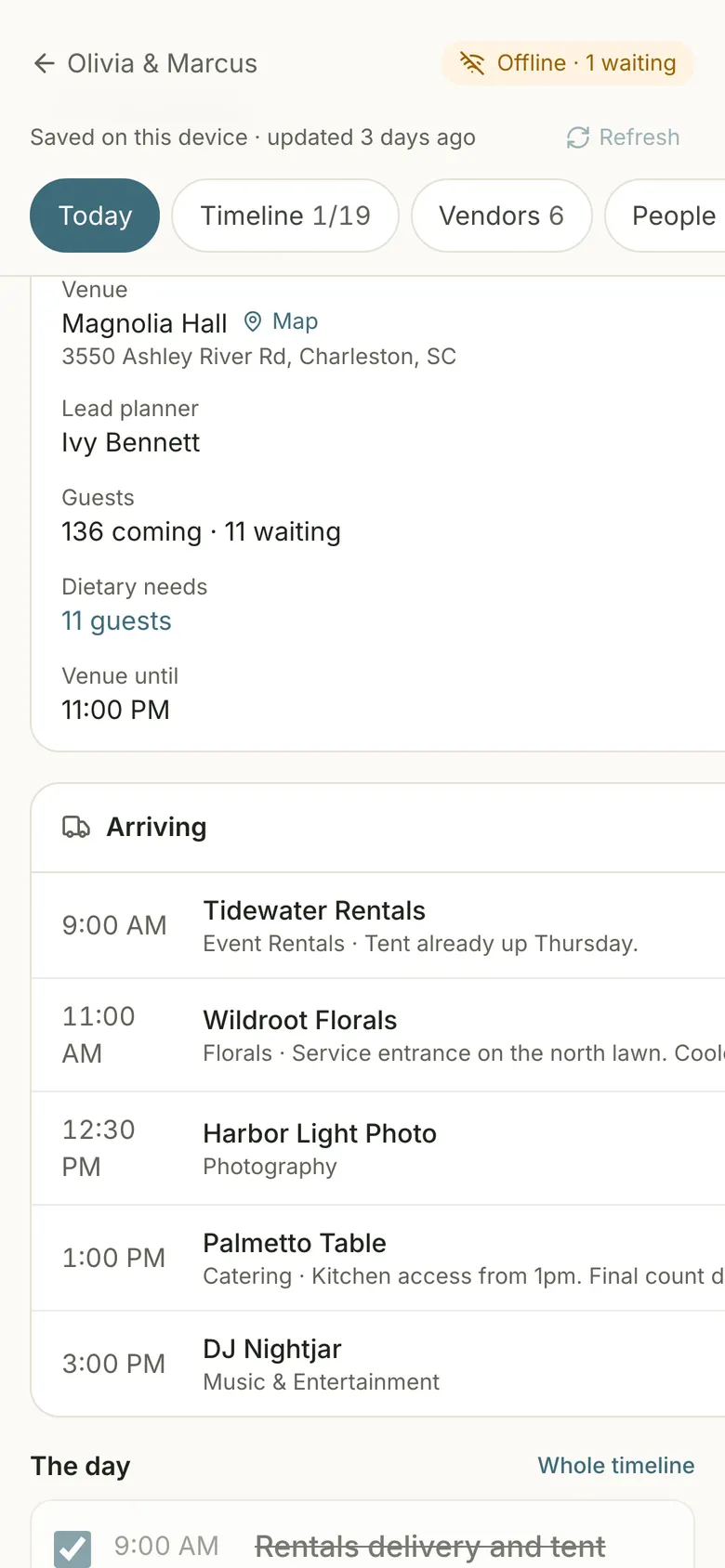
The timeline, contacts, envelopes, seating and contracts are saved on your phone. Tick things off with no reception and it syncs when the signal is back.
- Running late? Shift the day in one tap
- Saved to your phone ahead of time
Team tasks and roles
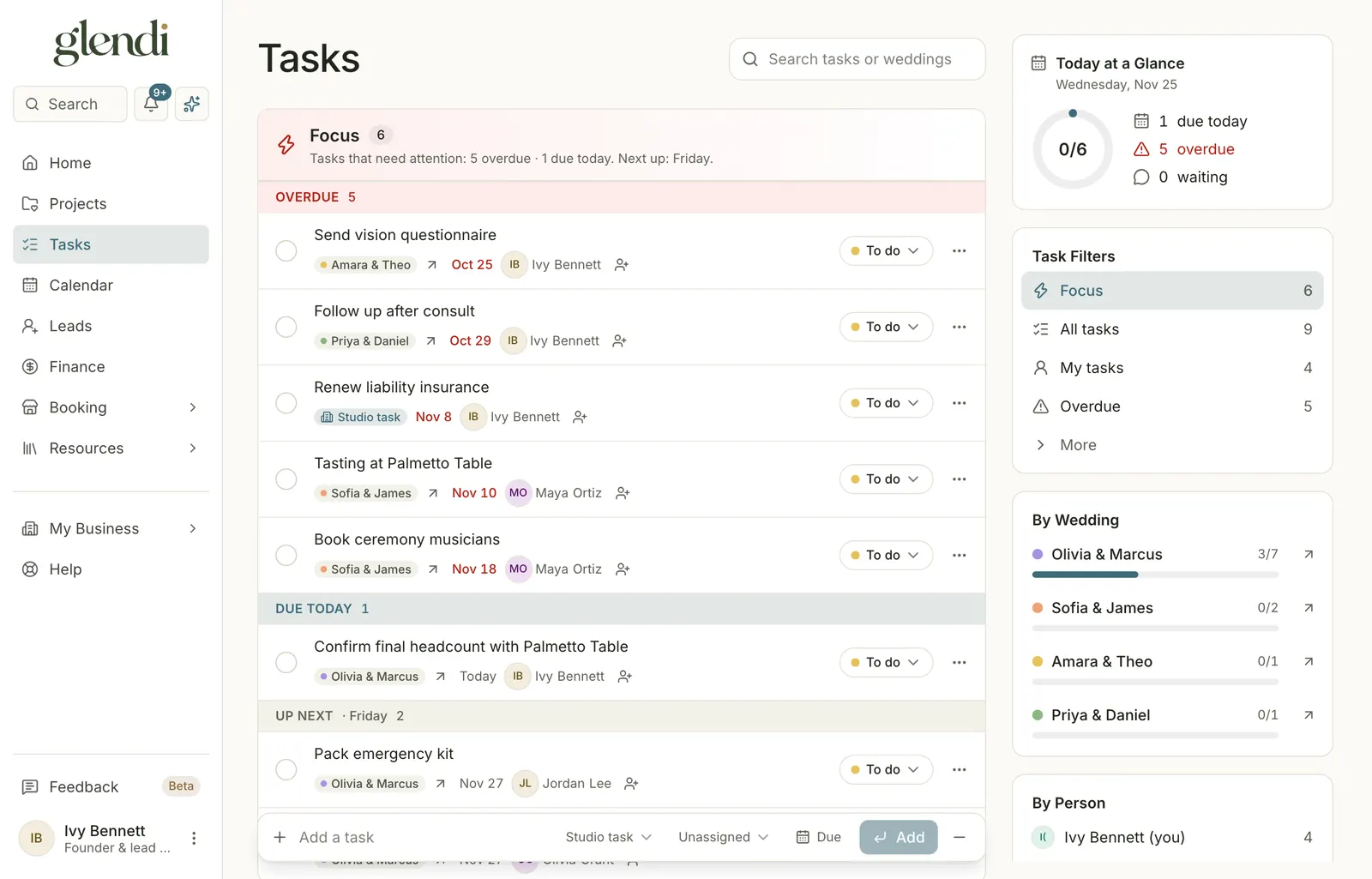
Your whole team's week, on one page.
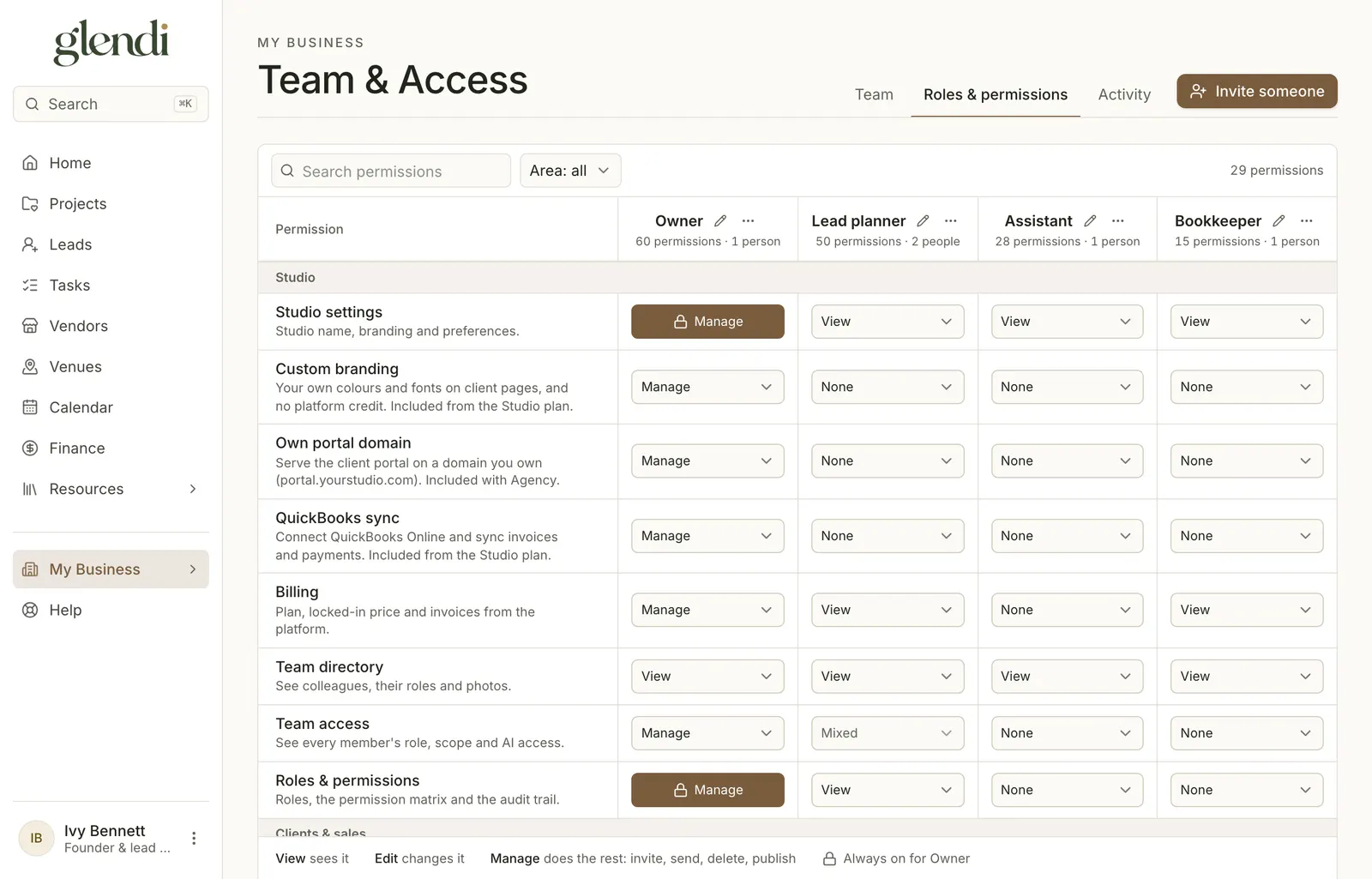
Every open task on every wedding, the pressing ones up top, for everyone or just you, and a calendar of wedding days, payments and follow-ups. Roles decide what each person sees.
- Assistants see only the weddings they're on
- Roles keep the budget private
You review everything Glendi's AI reads or drafts before it's saved. You can also connect Claude or ChatGPT and ask about your studio in plain words. How connecting an assistant works.
Try it on a wedding you're planning now.
Beta testers get three months free, with no card.